
PORTAL
Welcome to the Master Airscrew Customer Portal!
Here you’ll find installation manuals, video guides, and other key product information to help you get the best from your Master Airscrew products.
If you have any questions, our Customer Support team is always happy to help - just reach out to us anytime.
Thank you for choosing Master Airscrew.
The Master Airscrew Team
Installation Manual
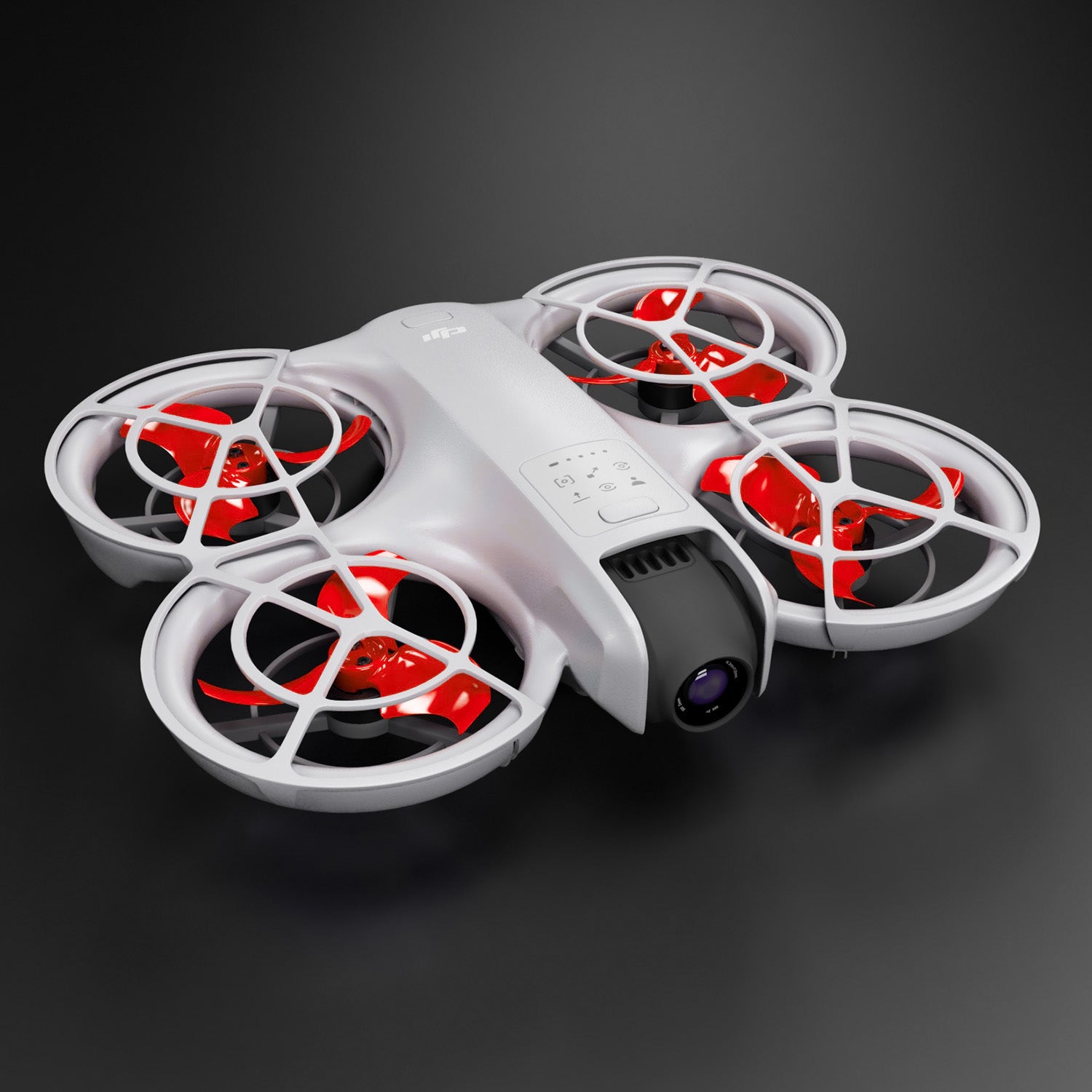
DJI Neo Stealth Propellers
Click the button to view in PDF format:
View and download PDFInstallation Manual
DJI Avata 2 Stealth Propellers
Click the button to view in PDF format:
View and download PDFInstallation Manual
DJI Mini Series Stealth Propellers
The installation guide is applicable for all DJI Mini Stealth propeller series:
- Mini 2
- Mini SE and Mini 2 SE
- Mini 4K
- Mini 3 Pro
- Mini 3
- Mini 4 PRo

Installation Manual
DJI Avata 3- and 4-blade Upgrade Propellers
Click the button to view in PDF format:
View and download PDF
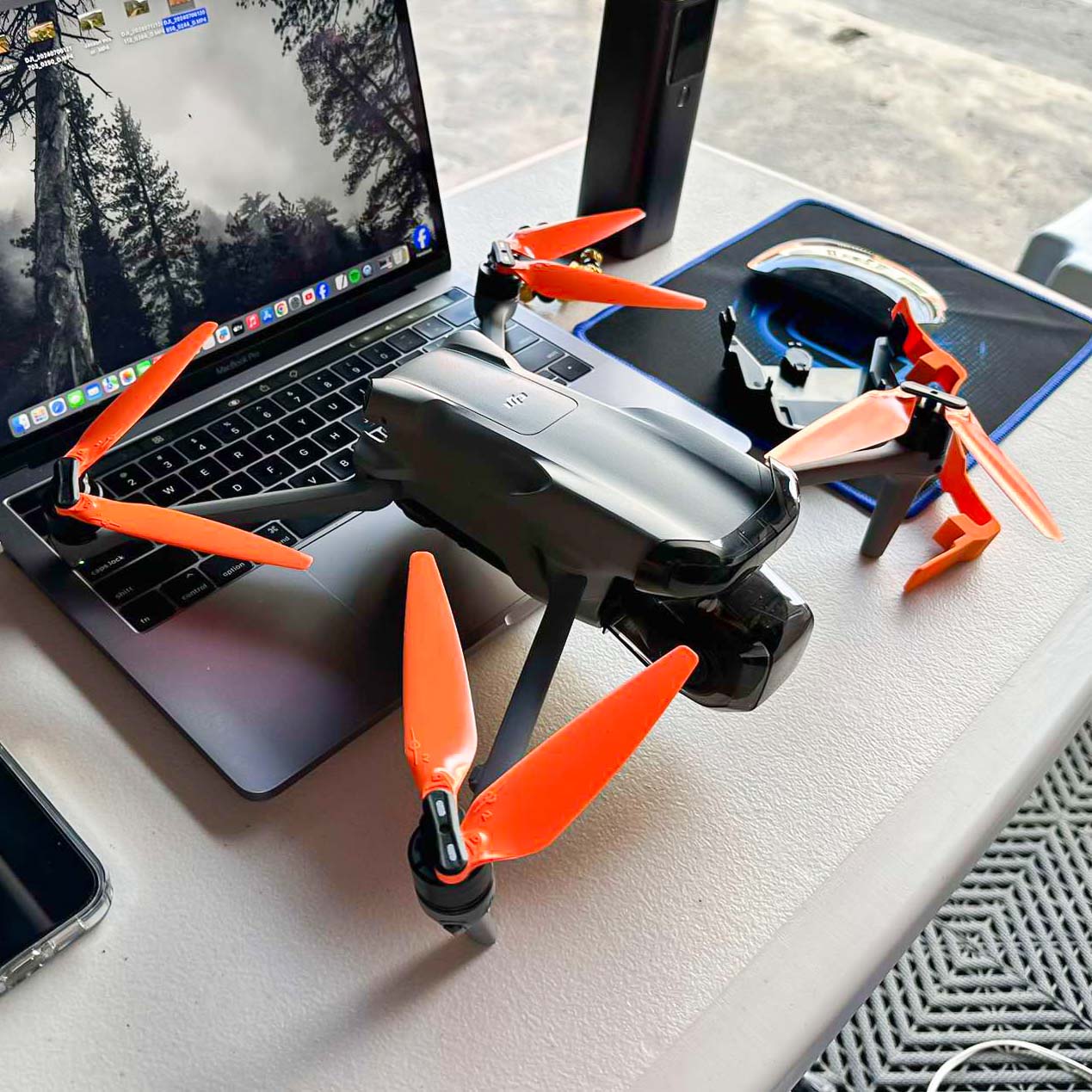
Installation Guide
DJI Air 3, Air 2S and Mavic Air 2, Mavic 3, Mavic 2 & Mavic Pro Stealth Propellers
1. Identify the marked propellers:
- Two propellers have white dash-like marks on their hubs. These are the Normal (CCW) rotating propellers.
2. Locate the matching motors:
- The marked motors are located at the front right and rear left positions. These motors have white (light gray) marks on their outer rims.
- Install the marked propellers onto these motors.
3. Identify the unmarked propellers:
- The other two propellers have no marks on their hubs. These are the Reverse (CW) rotating propellers.
4. Locate the unmarked motors.
- The unmarked motors are located at the front left and rear right positions.
- Install the unmarked propellers onto these motors.
Tip: Always double-check propeller placement before flight to ensure proper rotation direction and safe operation.